How Mochi works
Ten calm minutes of maths a day with a squishy buddy, and one place for the family’s jobs, stars and pocket money. Here’s how the pieces fit together.
Ten minutes a day
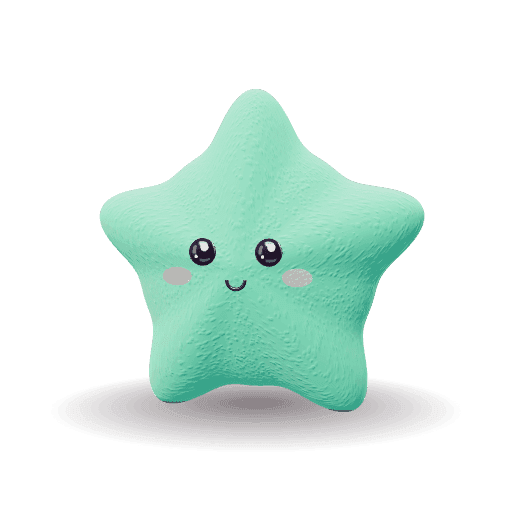
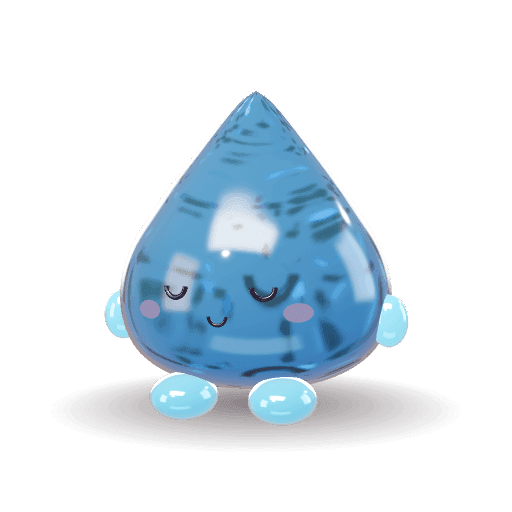
Your child opens Mochi, gives their buddy a squish and taps Squish! to start. Each session is a short run of questions on what they’re learning this term.
- Questions follow the maths national curriculum for England, from Reception to Year 6.
- Facts your child finds tricky come back more often, and secure ones return now and then so they stay secure.
- Questions can be read aloud, and calm mode gives a bigger keypad and no rush.
Mistakes stay soft
A wrong answer gets a gentle wobble from the buddy and the right answer, in a soft coral colour. There’s no red, no cross and nothing taken away.
The same fact comes back a few questions later, so your child gets another go while it’s fresh.
Sparkles and My buddy
Right answers earn sparkles, with a few extra for quick answers and for finishing a session. In My buddy, your child spends them on colours, finishes and accessories, and can try anything on first.
Each finished session also earns a squish token for a round of one of two short squishy games, Pop pairs and Stack to target. You set how many rounds a day; it starts at three.
Sparkles and tokens stay inside Mochi. They never turn into money.
Jobs, stars and pocket money
You set the jobs, from ideas for each age or your own. Your child taps Done, and you approve it from one list, or approve them all at once.
Stars add up towards rewards you choose. If you like, they also turn into pocket money at your own rate, such as 20 stars to £1. Mochi keeps the balance; you pay out as you always do and record it.
School groups, if you want them
If your child’s year group has a Mochi group, its class parent can invite you. You choose which of your children to include, and you can leave at any time.
In the group, children see each other’s nickname and buddy, and whether they practised today or this week. Never scores, levels or stars, and there’s no way to send messages.
Every part of Mochi works without a group.
Join the pilot
Mochi is free while we test it with a small group of families. Leave your email and we’ll send you an invite code when there’s a place.
Got a code already? Enter your code
Questions and answers